
Friday, February 01
10:24.59
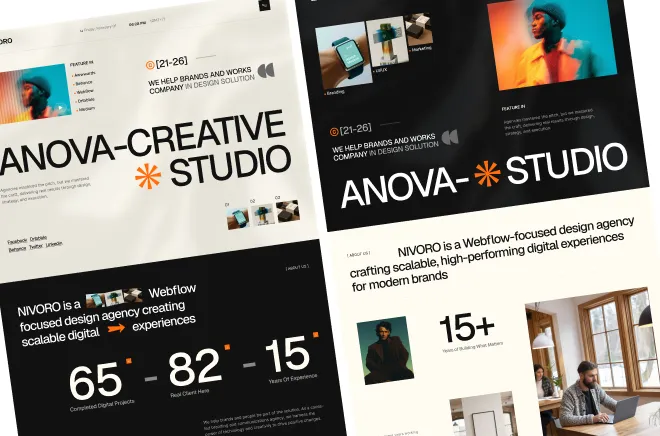
Ready to launch, MCP 2.0 ready agency template.
Available for new project


Most Webflow sites start simple and grow complicated. A blog that begins with five posts needs to handle five hundred. A portfolio that starts with six projects needs to expand to sixty. If your CMS is not structured correctly from day one, that growth breaks things. Good CMS architecture is not about technical complexity — it is about naming fields clearly, keeping collections focused, and thinking ahead about what content editors will actually need to update.
The most common mistake is cramming too much into a single collection. A blog collection that also holds team members and case studies becomes unmanageable. Each content type should live in its own collection with its own logic and its own fields. The second most common mistake is naming fields vaguely — "Text 1," "Image 2" — which makes content editing slow and error-prone. Every field should have a name that tells a non-designer exactly what goes there.


Start with a content inventory. List every type of content your site will have — blog posts, services, team members, case studies, testimonials, projects. Each type that needs its own layout or filtering logic gets its own collection. This clarity prevents chaos later.
For each collection, define the minimum viable fields. A blog post needs a title, slug, publish date, author, cover image, intro text, and body content. It may also need a category, read time, and featured toggle. Start with what you need now and add fields as the content evolves. Over-building fields upfront creates editor confusion.
Use reference fields to connect collections. A case study can reference a team member as the lead author. A service page can reference related blog posts. These connections make your CMS more powerful without duplicating content. They also allow you to create dynamic lists and filtered views.
For dynamic page templates, keep the layout flexible enough to handle short and long content. A blog post template that looks great with 300 words should also look great with 3,000. Use flexible spacing and fluid typography to accommodate content of all lengths.
Structure rich text fields carefully. Add custom formatting styles that match your brand — bold, italic, links, headings. Prevent editors from breaking your design by limiting what they can do within a rich text field.
A well-structured CMS is invisible to the end user — they just see content that loads fast and reads well. But behind the scenes, it saves editors hours every month and keeps the site scalable for years. When you invest in good CMS architecture at the start, you build leverage into your entire project.
Some Important Takeaway Key points:


